



Tutorial how to raise PHP-server memory limit
1. Search in the browser cpanel.tietokettu.net.

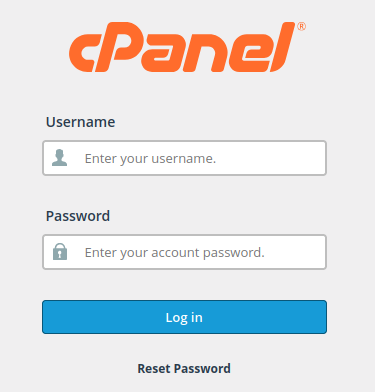
2. After that log in your cPanel.
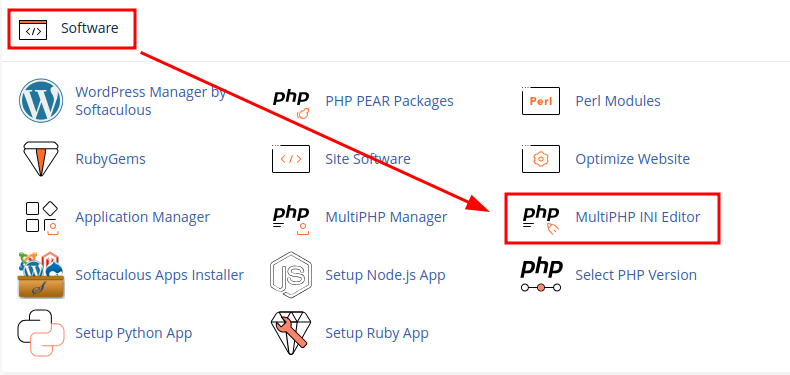
3. Next, you need to scroll down until you see a section called Software. Then press the MultiPHP INI Editor button.
4. Next, choose the correct home directory or domain document in the dropdown menu.

5. After that, find the memory_limit option in the menu and change the value from 128M to 500M. Then click the Apply button at the bottom left of the page.
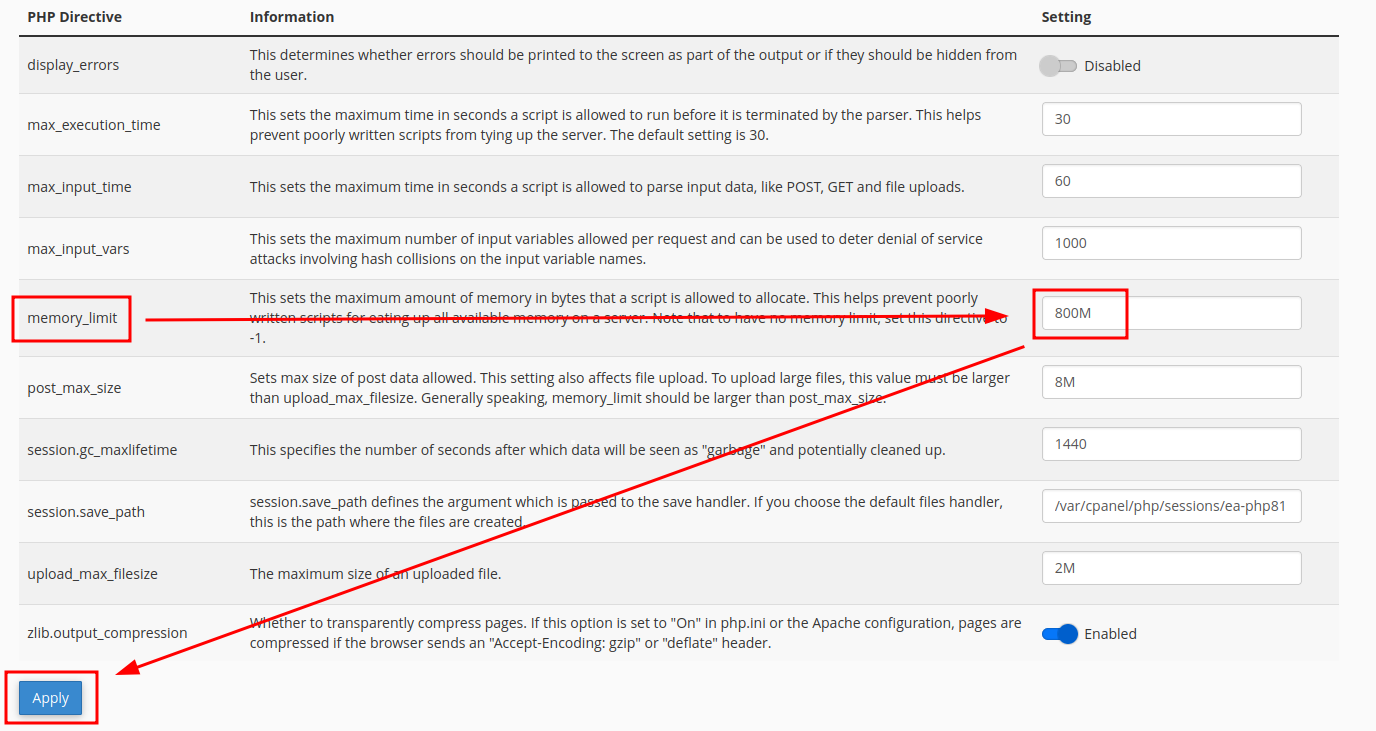
Now you have raised your PHP-server memory limit.